


Quick Overview: Shopify's AI Features Now Center on Sidekick
Search for "Shopify AI" or "Shopify Magic" and you'll run into a confusing mix of names. The short answer: Shopify's AI features are now mainly presented through "Sidekick," the AI commerce assistant built into the admin. "Shopify Magic," once used as a name for individual AI features, no longer appears as its own feature name on Shopify's current help pages — the shopify.com/magic page now redirects to Sidekick's page, as of this writing (November 2026). This guide covers what Sidekick and the admin's other built-in AI features actually do, their pricing, and how they connect with third-party AI tools, based on Shopify's own help documentation.
What Sidekick Does
Sidekick is a commerce-focused AI assistant built into the Shopify admin. It can access your store's data and respond to questions in plain language, generate content, and carry out tasks directly in the admin. Per Shopify's help documentation, Sidekick is included with a Shopify plan at no extra charge, though available features and usage limits vary by plan.
Examples Shopify's help documentation gives for what Sidekick can do:
- From the "Generate text" icon on pages like product editing, create blog posts, online store pages, product descriptions, Shopify Messaging emails, and theme editor content
- Generate custom theme blocks from text instructions in the theme editor
- Edit images based on text instructions in the file editor
What Happened to "Shopify Magic"
"Shopify Magic" was the name used for individual AI features inside the admin, like generating product descriptions or editing images. As of this writing, though, that name doesn't appear on Shopify's current help page for AI-powered tools, or on the page that once covered Shopify Magic specifically — the features are now presented under Sidekick and the broader "AI-powered tools" framing. The underlying features, like description generation and image editing, are still available from their respective admin screens; it's the branding that has changed, not necessarily the functionality itself.
Other AI Features Built Into the Admin
Beyond Sidekick's chat-based interactions, Shopify's admin has AI features built into specific tools. Per the help documentation, these include:
| Where it lives | What it does |
|---|---|
| Shopify Inbox | AI chat agent for customer conversations, instant-answer suggestions, reply suggestions |
| File editor | Replace an image's background with a solid color |
| Themes | Generate a free theme from a description of your business |
| Products | Suggest product categories and category metafields |
| Search & Discovery app | Reorder storefront search filter values |
| Customers | Plain-language descriptions of customer segment conditions |
| Analytics | Predicted spend in customer cohort analysis reports |
| Shopify App Store | Review summaries for some apps |
On top of these, Tinker is a free mobile app with over 100 AI tools for creating images, video, and brand assets.
Pricing and Differences by Plan or Language
Shopify's help documentation states that most AI features are available at no extra charge. At the same time, it explicitly notes that availability can vary by plan, device, and language — it doesn't claim every feature works the same way on every plan or in every language. As of this writing, there's no official page listing exactly which features are available on which plan, so that can't be stated definitively. The most reliable way to check is to look directly at each feature's editing screen in your own store.
Connecting Third-Party AI Tools Like ChatGPT or Claude
Shopify's admin lets you connect third-party AI tools, including ChatGPT, Claude, Gemini, Grok, Muse, Perplexity, and Microsoft Copilot, giving them access to your store's data. Per Shopify's help documentation, merchants control what data is shared and what actions each tool can take. If your team already relies on a specific AI tool outside of Sidekick, it's worth knowing you can connect it rather than being limited to Sidekick alone.
What Shopify's AI Can and Can't Do for You
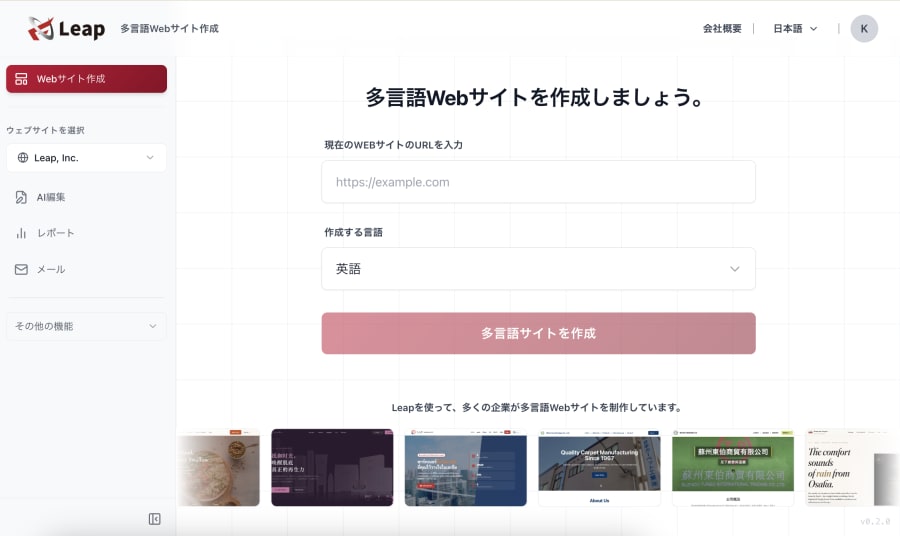
Based on everything above, Shopify's AI features are currently concentrated on helping with tasks you do inside the admin — writing content, editing images, drafting customer replies, summarizing data. What isn't covered, as far as Shopify's own help documentation shows, is a feature that plans and writes overseas-focused SEO articles on its own, or handles sending multilingual email newsletters end to end — in other words, actually running overseas marketing for you. Leap, a cross-border ecommerce tool that lets AI handle marketing too, is built around exactly that gap: automatically creating multilingual blog content and sending multilingual email newsletters as part of running overseas marketing. The two tools overlap less than you might expect — it comes down to whether you want help doing the work yourself, or want the marketing work itself handled for you.
FAQ
Q. Is Shopify Magic gone?
A. As of this writing (November 2026), the name "Shopify Magic" doesn't appear on Shopify's current help pages. Features like product description generation and image editing are now presented under Sidekick and the "AI-powered tools" framing, and remain available from their respective admin screens.
Q. Is Sidekick free to use?
A. Per Shopify's help documentation, Sidekick is included with a Shopify plan at no extra charge, though available features and usage limits vary by plan.
Q. Does Sidekick support languages other than English?
A. Shopify's help documentation states that support is offered in multiple languages matching your store's language settings. That said, it also notes that feature availability can vary by plan, device, and language, so it can't be stated that every feature works identically in every language.
Q. Can Shopify's AI features automate overseas marketing on their own?
A. Based on what Shopify's help documentation describes, Sidekick and the admin's AI features are centered on helping with tasks like content creation and drafting customer replies. A feature that automatically plans and writes overseas SEO content, or sends multilingual newsletters end to end, isn't something we could confirm.
Summary and Key Takeaway
Shopify's AI features have moved from the standalone "Shopify Magic" name toward being presented through the admin's built-in assistant, Sidekick. There's a broad set of features for reducing day-to-day operational work, like writing descriptions or editing images, but the exact availability by plan and language, and whether any feature runs overseas marketing on its own, aren't things Shopify's help documentation spells out clearly. Before adopting any of this, it's worth listing out specifically what kind of help you're looking for, then checking directly in your own admin whether that feature actually shows up.
Leap is a cross-border ecommerce tool that lets AI handle marketing too. Just chat with it to build a multilingual, multi-currency online store and run overseas marketing such as SEO and email newsletters.