1
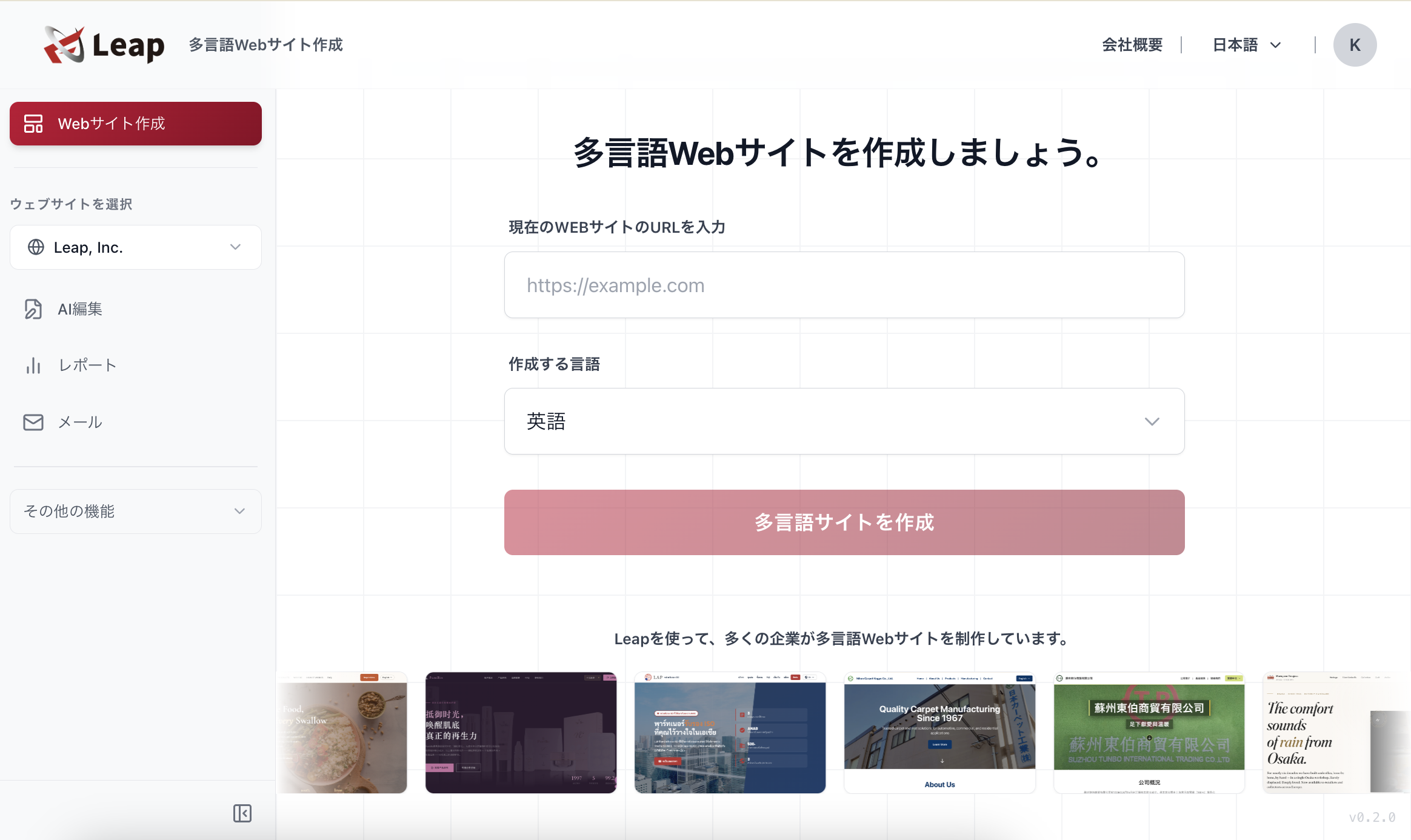
Log in to Leap
Please log in to Leap using the URL below.

Established October 28, 2025
Please log in to Leap using the URL below.
Select "My Page" from the header to navigate to your profile.
Click the "Account Settings" button in the top right corner.
Click the "Delete Account" button.
A message will appear asking "Your information will be completely deleted from Leap. Are you sure?" Type "delete" and click the OK button. Your account information will be permanently deleted from Leap after one week.