
The era of building a high-quality website without writing a single line of code has truly arrived. From freelancers to small business web managers, the demand to "create a polished, professional site on a limited budget" grows stronger every year — and no-code website builders have stepped up to meet it.
Yet once you start researching your options, you quickly run into a confusing lineup: Wix, Squarespace, STUDIO, Webflow. Pricing structures, learning curves, SEO capabilities, and support quality vary significantly from one tool to the next. Choose the wrong one for your needs and you may end up rebuilding from scratch, wasting both time and money.
This guide offers a multi-angle comparison of the four leading tools, practical advice for choosing the right one based on your use case, and a look at the latest AI developments reshaping no-code web creation in 2025 and beyond.
What Are No-Code Website Builders? Key Points in Under a Minute
"No-code" refers to building a website entirely through drag-and-drop and visual controls — no HTML, CSS, or programming languages required. These tools once had a reputation for limited design flexibility and weak SEO, but today's platforms have largely overcome those early limitations. The results are often indistinguishable from professionally coded commercial websites.
Here is a quick overview of where each of the four tools fits:
- Wix: The world's largest website builder, used by over 200 million people. Rich in templates and ideal for beginners who want to get online fast.
- Squarespace: Renowned for premium design, especially in Western markets. Built-in e-commerce features make it well-suited for brand-conscious businesses.
- STUDIO: A Japan-based no-code tool. Excellent Japanese-language support, and a strong choice for corporate sites and portfolios where design quality matters.
- Webflow: A professional-grade tool for designers and developers. Supports advanced animations and a powerful CMS, though it comes with a steeper learning curve.
The best way to narrow down your choice is to think along three axes: who will be using it, what it needs to do, and how much time and budget you can invest. By the end of this article, you'll be able to make a confident, well-informed decision.
Why Small Businesses Are Turning to No-Code Builders
"Hire an agency to build your website" used to be conventional wisdom. But in recent years, a clear trend toward in-house production using no-code tools has taken hold among small businesses and freelancers. Three key shifts are driving this change.
The Cost Problem
Hiring an external agency to build a corporate website can run anywhere from a few thousand dollars to well over $30,000. With a no-code tool, you can maintain and update a polished site for a monthly subscription fee that often amounts to just a few dollars. For small operations with limited budgets and staff, the ability to launch quickly with minimal upfront investment is a significant advantage.
The Need for Speed and In-House Control
When a third-party agency manages your site, every text edit or new page requires back-and-forth communication — costing time and money. Managing your own site with a no-code tool means you can publish campaign announcements or update staff profiles instantly. In an era where timely content updates are critical for SEO and social visibility, that speed is a genuine competitive edge.
Lower Barriers Thanks to AI and No-Code Convergence
Between 2024 and 2025, the leading no-code platforms rolled out AI features in rapid succession. Wix now offers its "Wix AI Website Builder," which generates a complete draft of your site's design, copy, and layout simply from a brief business description. STUDIO has also begun experimenting with natural-language layout suggestions. The barrier to entry for no-code web creation is lower than ever.
Head-to-Head Comparison: Pricing, Features, SEO, and Support
Let's take a closer look at each tool. Note that prices are subject to change due to currency fluctuations and platform updates — always verify current pricing on each provider's official website.
Wix: The Most Accessible Tool on the Planet
Wix is the world's largest website builder, available in over 190 countries. Its biggest strength is being "ready to go." With over 800 templates and a free-form drag-and-drop editor, you can rearrange any layout however you like.
Plans start for free (with a Wix subdomain and ads). To use a custom domain and remove ads, the Light plan starts at around $17/month. E-commerce features require upgrading to a higher-tier plan.
On the SEO side, Wix covers all the basics: page titles, meta descriptions, alt tags, and automatic sitemap generation. The built-in "Wix SEO Wiz" guides even beginners through the full setup process. Japanese-language customer support is also available, which is a notable advantage for users less comfortable in English.
One caveat: switching to a different template after your site is live requires re-entering all your content, so choose your template carefully from the start.
Squarespace: Unmatched Design Quality with Integrated E-Commerce
Squarespace has earned a devoted following among creatives, photographers, and brand-driven businesses. Every template is designed by professional designers, and the end result is often described as "the design is already done the moment you pick a template."
Plans start at $25/month (Personal plan). For e-commerce, the Basic Commerce plan (around $36/month) is the standard choice. The interface is primarily in English, and official Japanese-language support is thinner than with other tools — worth keeping in mind.
On SEO, Squarespace provides clean HTML output, auto-generated sitemaps, and mobile optimization. That said, it falls short of Webflow when it comes to fine-grained SEO customization. Its market share in Japan is smaller than Wix or STUDIO, which means fewer Japanese-language community resources and tutorials.
STUDIO: Japan's Design-First No-Code Tool
STUDIO is developed and operated by the Japanese company STUDIO Inc. As a domestic tool, it comes with native Japanese-language support, full Japanese font compatibility, and templates tailored to Japanese business norms.
Plans start for free (on a STUDIO subdomain). The Starter plan with a custom domain costs a few thousand yen per month, with higher-tier plans available for CMS and advanced business needs.
STUDIO's design freedom significantly exceeds Wix's. You can position elements to the pixel, allowing designers to reproduce exactly the visual they have in mind. It's widely used by professional web designers in Japan for corporate sites, brand sites, and creative portfolios.
The trade-off is that its e-commerce functionality — cart, payments, and inventory management — is more limited than Wix or Squarespace. STUDIO performs best for corporate sites, service pages, and landing pages.
Webflow: The Professional Standard
Webflow translates the concepts of HTML, CSS, and JavaScript into a no-code visual editor — designed for designers and front-end developers. It supports animations, interactions, and a feature-rich CMS suited for commercial-grade websites.
Among no-code tools, Webflow offers the highest level of SEO control. Custom code embeds, structured data, 301 redirects, and canonical URL management — nearly everything an SEO specialist would need is available.
The biggest barrier is the learning curve. Without a working understanding of concepts like Flexbox and absolute positioning, the interface becomes difficult to navigate intuitively. The platform and its documentation are primarily in English, which adds another hurdle for non-English speakers. If you hire an external Webflow specialist, expect project quotes ranging from $5,000 to $20,000 or more.
Choosing the Right Tool by Use Case
With a clear picture of each tool's strengths, here's a practical guide to making the right call.
Personal Blog or Portfolio
Recommended: Wix or STUDIO
If you want to publish posts and upload work with minimal friction, Wix is the go-to choice for its ease of use. For creatives who care deeply about visual expression, STUDIO's greater design freedom makes it the better fit. Both offer free plans if you're starting on a tight budget.
Corporate Website
Recommended: STUDIO or Webflow
For a corporate site that needs to convey trust through its visuals and information architecture, STUDIO's design quality is hard to beat. If you anticipate needing system integrations or advanced animations down the line, Webflow is the more future-proof investment.
E-Commerce Store
Recommended: Wix or Squarespace
For a full-featured online store with product pages, a shopping cart, checkout, and inventory management in one place, Wix's e-commerce plans or Squarespace's Commerce plan are both battle-tested options. STUDIO's e-commerce features are currently limited and not suitable for serious online retail.
International or Multilingual Site
Recommended: Webflow or Wix
Webflow supports multilingual CMS builds with separate language and SEO settings per page. Wix offers Wix Multilingual for managing multi-language sites. That said, a tool's multilingual feature is only a mechanism for displaying different languages — it doesn't replace true localization. Reaching local users effectively requires not just translation but also redesigning your content around local culture, consumer behavior, and search intent.
AI Trends for 2025 and Beyond: How AI Is Transforming No-Code Web Building
The no-code web creation landscape is changing fast, driven by AI. Every major platform is aggressively adding AI features, lowering the barrier to entry even further.
Wix AI Website Builder
In 2024, Wix fully launched its AI Website Builder. Enter your business name, industry, and goals, and Wix automatically generates a draft site structure, copy, images, and layout. After generation, you can freely edit everything via drag-and-drop — meaning you start with a working draft rather than a blank page. Accuracy has improved significantly over the previous ADI (Artificial Design Intelligence) system, and real-world usage often produces a publishable draft in a matter of minutes.
Webflow AI and Content Generation
From 2024 onward, Webflow has expanded its in-editor AI writing assistance. Features now include SEO-conscious copy suggestions based on page purpose and automatic alt-text generation. AI is increasingly supporting both content creation and technical optimization within the same workflow.
STUDIO's Japanese-Language AI Integration
STUDIO is also experimenting with natural-language design controls. The direction involves responding to Japanese-language instructions like "Make the header simpler" by adjusting the layout accordingly. As a Japan-developed tool, its compatibility with Japanese-language AI models is expected to be a growing strength.
Real-World Examples: No-Code Tools in Action
Here are some real-world examples of no-code tools being put to work in business contexts.
Goodpatch, a Japanese web design firm, actively uses STUDIO in its own media and client work. The company has publicly shared how it uses STUDIO for high-quality, fast-turnaround landing page production — a strong example of the growing recognition among professional designers that STUDIO delivers on both speed and design quality. For design agencies that need to balance visual excellence with cost efficiency and tight deadlines, STUDIO adoption is clearly on the rise.
Among cross-border e-commerce operators and small D2C brands, building brand sites with integrated storefronts on Squarespace has become increasingly common. It's particularly well-suited for businesses that need to launch a polished, brand-forward site for Western audiences quickly and without complex configuration. Apparel brands and accessory makers building their own overseas storefronts often turn to Squarespace as a middle ground between Shopify (powerful but expensive) and free platforms (limited features).
On the enterprise end, Webflow has earned serious credentials. Dell Technologies has used Webflow for campaign sites, and Discord has deployed it for certain landing pages — proving that Webflow can handle enterprise-level demands. In Japan, a growing number of growth-stage startups are also adopting Webflow to reduce reliance on external agencies and give their marketing teams direct control over site updates.
FAQ: Common Questions About No-Code Website Builders
Q1. Can no-code tools handle SEO properly?
For the fundamentals — page titles, meta descriptions, alt tags, and sitemaps — all four tools (Wix, Squarespace, STUDIO, Webflow) have you covered. Webflow, in particular, supports advanced SEO controls including structured data and 301 redirects. That said, regardless of which tool you use, the foundation of strong SEO is content quality and how well it matches search intent. The difference between tools matters far less than the ongoing effort to create genuinely useful content for your visitors.
Q2. Can I switch tools later if I change my mind?
Realistically, migrating between no-code platforms is not easy. There's no "one-click migration" from Wix to STUDIO or Webflow — in most cases, you'll need to rebuild from scratch. That's why your initial tool selection should account not just for immediate usability, but also whether you can sustain operations on the same platform three to five years from now. Vendor lock-in risk is real, and checking for export options (Webflow can export static HTML/CSS) is worth adding to your evaluation checklist.
Q3. Which tool is best for a multilingual website?
Wix Multilingual and Webflow's multilingual CMS are the two leading options. However, it's important to understand that a tool's multilingual feature simply switches the language being displayed — it doesn't do the deeper work of localization. Building a site that truly resonates with local users requires redesigning content around local culture, consumer behavior, and search keywords, not just translating text. Relying on translation alone for international expansion rarely produces meaningful improvements in local search traffic or inquiries.
Conclusion: The Right Tool Is Just the Beginning
When choosing a no-code website builder, the question isn't "which one is best overall?" — it's "which one fits my goals, budget, and skill level?" Here's a final summary of each tool:
- Wix: Best for those who value ease of use and strong support. Solid e-commerce features. Trusted by a larger user base than any other platform.
- Squarespace: Best for businesses that want a polished, design-forward brand presence in Western markets. Templates are exceptional right out of the box.
- STUDIO: Best for maximizing design quality in a Japanese-language environment. Excellent for corporate sites and service landing pages.
- Webflow: Best for those who want long-term, professional-grade self-managed sites. For those willing to invest in the learning curve, the SEO, animation, and CMS flexibility is unmatched.
Choosing a tool and launching your site is only the starting point. What matters after that is continuous improvement, stronger SEO, and refining your content strategy — being clear on who you're speaking to and what you want to say.
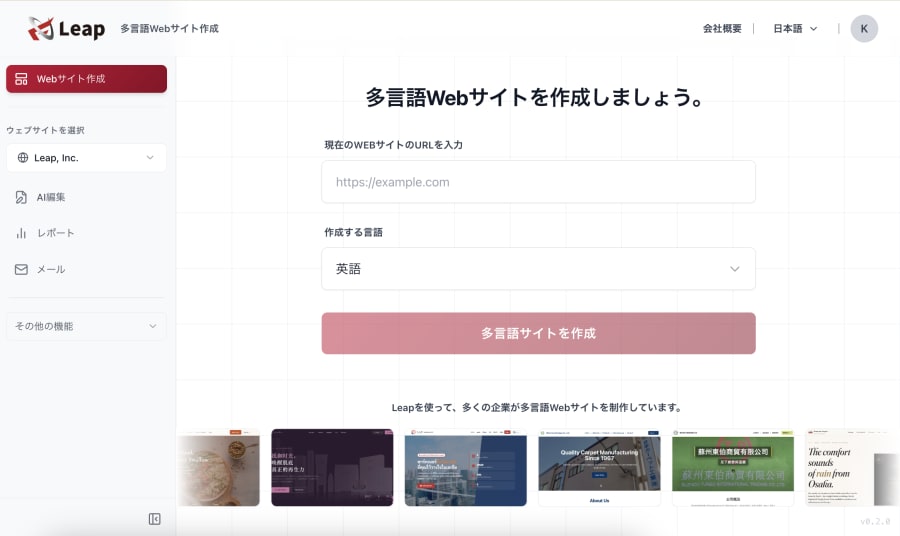
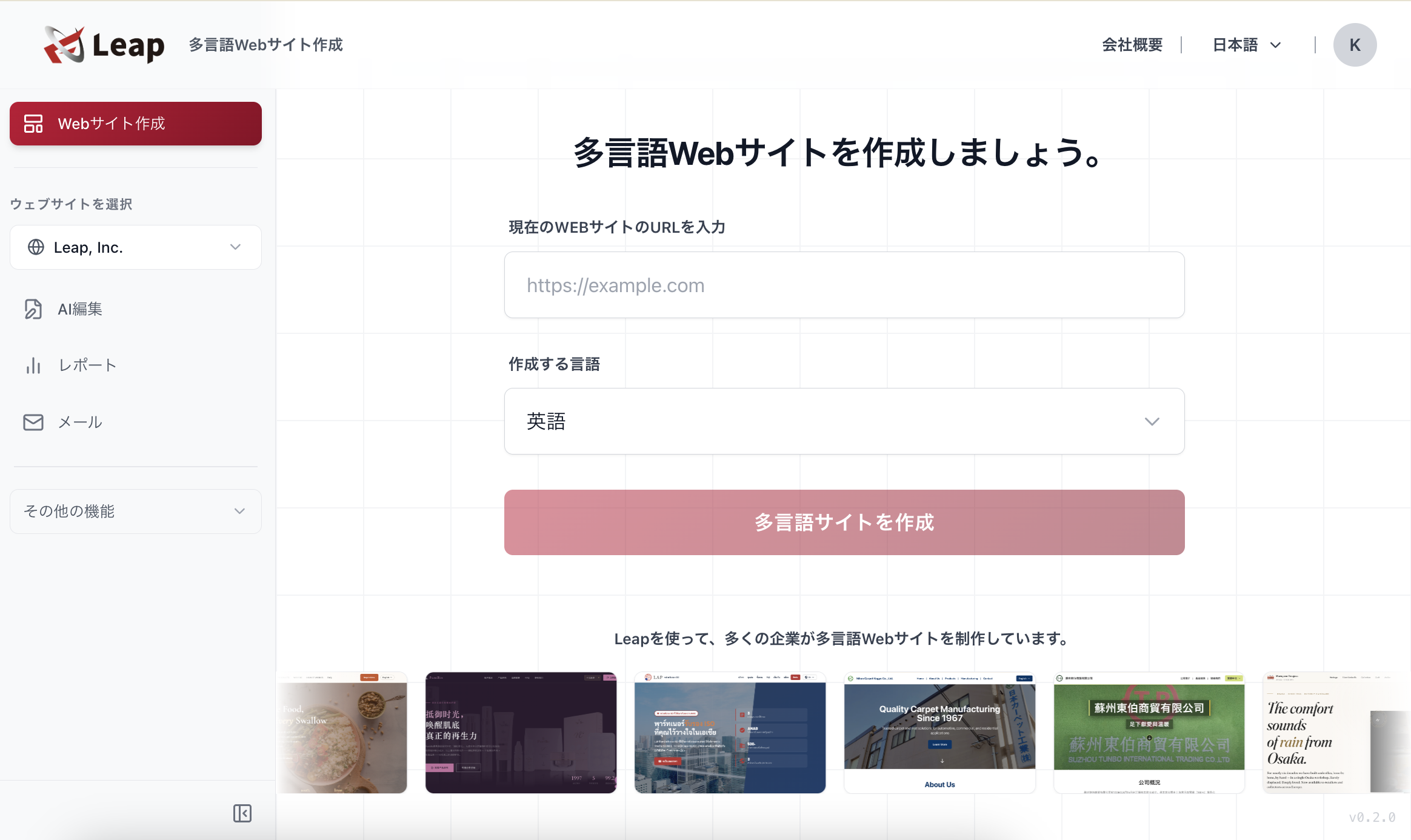
If you've established your domestic website and are now thinking about international expansion, explore the multilingual website creation tools offered by Leap. Rather than simply translating your existing content, we help you design and build locally localized pages from the ground up — creating web marketing that genuinely connects with local audiences and their search intent.
- Website Creation Manual: Browse Articles in the Site Setup Category
- Website Creation Manual: Multilingual and International Expansion Guide
References
- https://techgym.jp/column/no-kode/
- https://note.com/anyakudesign/n/ndc9554ed4918
- https://atsoho.com/blog/nocode-web-design-tools-comparison-studio-webflow-wix
- https://sk-t.com/media/seo/20250425-1730/
- https://wix-media.creative-raja.com/4620
- https://nocode.plumsa.co.jp/?p=1339